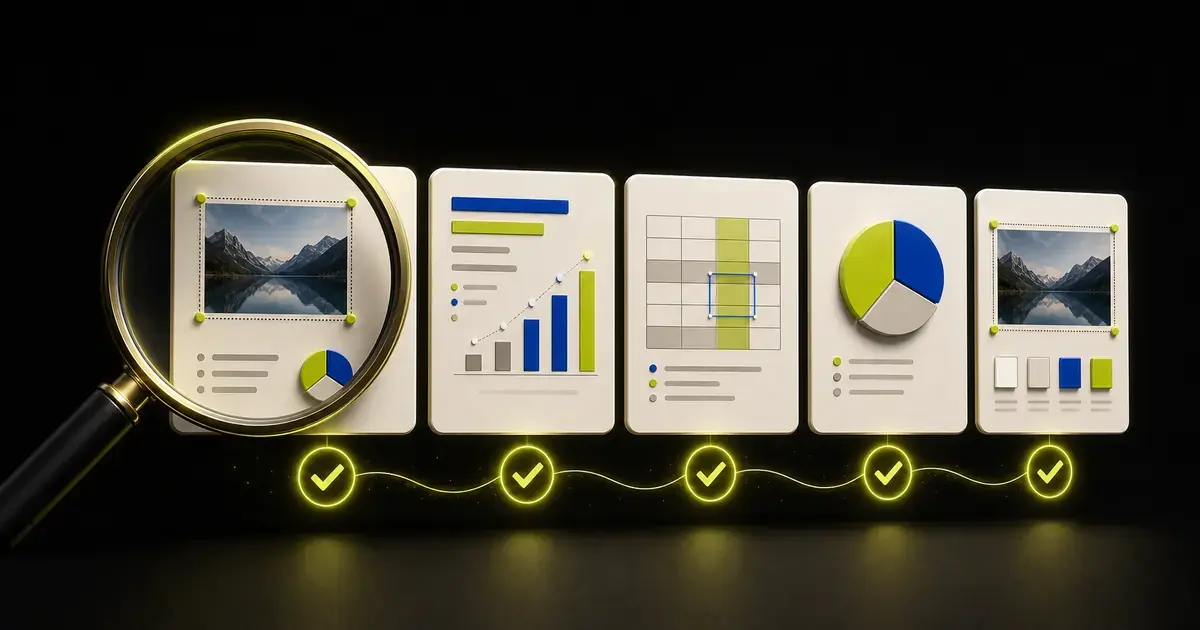
Before exporting or presenting a deck, review six layers: purpose and narrative, source accuracy, slide communication, visual consistency, accessibility, and the final file. An AI-generated presentation can look complete while still containing unsupported claims, misleading charts, overflow, hidden information, or an unusable PowerPoint handoff.
Use this checklist after content editing and again after exporting the PPTX. The exported file is a separate artifact and deserves its own test.
1. Confirm purpose, audience, and action
- The intended audience is named.
- The presentation has one primary outcome.
- The delivery setting is clear: live, asynchronous, workshop, classroom, or handoff.
- The length fits the available presentation time.
- The audience's prior knowledge is not overestimated or repeated unnecessarily.
- The final action, decision, or learning outcome is explicit.
- Confidentiality and distribution boundaries match the audience.
If these conditions are unclear, pause the visual review. A polished deck aimed at the wrong decision is not ready.
For a new deck, revisit the source-material presentation workflow. For an imported PPTX, use the existing PowerPoint editing workflow.
2. Read the titles as a standalone story
Switch to Slide Sorter or read the outline without body content.
- Every slide has a clear title.
- Titles form a coherent sequence.
- Each slide advances the story.
- Takeaway titles are supported by visible evidence.
- Neutral slides are not forced into dramatic conclusions.
- Duplicate messages have been combined or removed.
- Missing transitions are repaired.
- The recommendation follows from the evidence.
- The closing asks for a specific action.
If the title sequence is confusing, return to the AI presentation outline guide. Do not try to solve a narrative problem with color and layout.
3. Give every slide one primary job
For each slide, complete this sentence:
This slide exists so the audience can ______.
Then check:
- The title matches that job.
- The most important evidence is visually prominent.
- Secondary detail does not compete with the takeaway.
- The slide does not combine two independent messages.
- Content that belongs in notes or appendix has moved there.
- Decorative elements do not imply unsupported meaning.
Common slide jobs include framing, proving, comparing, explaining, demonstrating, addressing risk, recommending, and requesting a decision.
4. Reconcile every factual claim
Check the presentation against the approved source pack.
- Every number matches the source.
- Units, currency, decimals, and signs are correct.
- Dates and reporting periods are visible where needed.
- Actual, target, forecast, and benchmark are distinct.
- Names, titles, product terms, and quotations are correct.
- Sample size and scope limitations remain visible.
- Citations lead to the correct source.
- No claim is broader than the evidence.
- Correlation is not described as causation without support.
- Recommendations are labeled as recommendations.
- Assumptions and unknowns remain visible.
- AI-generated wording has not changed certainty or meaning.
Use a reconciliation table for high-risk decks:
| Slide | Claim | Source | Owner | Status |
|---|---|---|---|---|
| 4 | Approved metric and comparison | Workbook cells | Finance | Verified |
| 7 | Main driver | Analysis note | Product | Needs review |
| 9 | Forecast outcome | None | - | Remove |
Do not mark a claim verified because several slides repeat it. Repetition is not independent evidence.
5. Audit charts and data visuals
- The chart type matches the relationship.
- Axes and baselines do not exaggerate differences.
- Category order is intentional.
- Legends and labels are readable.
- Units and periods appear on the slide.
- Actual and forecast use more than color alone to differ.
- The title describes a supported conclusion.
- The chart reconciles with the source data.
- Derived metrics use an approved formula.
- The source and relevant limitation are visible.
- The chart remains understandable in grayscale.
- The intended editable or linked behavior is documented.
If spreadsheet data created the presentation, repeat the checks in the spreadsheet-to-PowerPoint guide.
6. Review tables
- The table has a decision or lookup purpose.
- Header rows and units are clear.
- Values match the source.
- Important comparisons are easy to find.
- Rows and columns use a logical order.
- Text is readable at the delivery size.
- Color is not the only status indicator.
- Supporting detail moves to the appendix when appropriate.
- The table is not being used only as a layout device.
A dense table may be necessary for reference. It does not automatically belong in the live presentation sequence.
7. Check text and typography
- Body text can be read at the actual display size.
- No text box overflows or clips.
- Text has not been shrunk to preserve unnecessary detail.
- Titles use a consistent role and position.
- Font substitutions have been reviewed.
- Line breaks and paragraph spacing are intentional.
- Capitalization, punctuation, and terminology are consistent.
- Bullets use parallel grammar.
- Links use descriptive text.
- Citations and footnotes remain legible.
If a slide is crowded, remove, split, or relocate content before reducing type to an impractical size.
8. Check images, icons, and visual evidence
- Images support the message rather than decorate it.
- Image rights and source requirements are satisfied.
- Crops preserve the important subject.
- Aspect ratios are not distorted.
- Screenshots are current and readable.
- Icons have a consistent visual family.
- Decorative images do not imply a customer, location, or result that is not real.
- Image quality is sufficient for the delivery screen.
- Alternative text describes meaningful visuals.
- Decorative visuals are marked appropriately.
Do not use an invented dashboard, fake testimonial, or stock image as evidence of product adoption.
9. Review layout and consistency
- Margins and alignment are consistent.
- Spacing communicates grouping.
- Hierarchy is clear without relying on decoration.
- Repeated slide types use consistent roles.
- Intentional exceptions remain intentional.
- Logos and footers appear only where required.
- Slide numbers are correct.
- No object sits outside the slide boundary.
- Layers and overlapping objects display correctly.
- The deck works in Slide Sorter and full-screen views.
Consistency means stable roles, not identical layouts. A chart slide and a closing decision slide can use different structures while sharing one visual system.
10. Run an accessibility review
Microsoft's guidance for making PowerPoint presentations accessible includes slide titles, alternative text, readable contrast, meaningful link text, and reading order. Use the built-in Accessibility Checker, then review the result manually.
- Every slide has a meaningful title.
- Reading order matches the intended sequence.
- Contrast is sufficient.
- Color is not the only way meaning is communicated.
- Images, charts, tables, and meaningful shapes have useful alt text.
- Decorative visuals are not described as content.
- Link text identifies its destination.
- Tables have clear headers.
- Videos have required captions or alternatives.
- Motion, flashing, and transitions do not create unnecessary barriers.
Automated checks can find structural issues. They cannot decide whether an alt description communicates the real purpose of a chart.
11. Review speaker notes and appendix
- Notes support the presenter without contradicting the slide.
- Notes do not contain unsupported claims.
- Transitions are natural.
- Likely questions have approved responses or source references.
- The appendix answers real backup questions.
- Material risks and qualifications are not hidden only in the appendix.
- Appendix sources and definitions are complete.
- The main deck remains understandable without opening every backup slide.
Do not use speaker notes to hide a second unreviewed version of the story.
12. Check privacy and hidden information
PowerPoint files may contain metadata, comments, notes, hidden slides, embedded objects, and other information not visible during a normal slide show.
- The sharing copy contains only the intended slides.
- Comments and review history are appropriate for recipients.
- Speaker notes are safe to distribute.
- Hidden slides are intentionally included or removed.
- Embedded files and linked data are appropriate.
- Personal and customer information is authorized.
- Document properties are reviewed.
- External links do not expose restricted systems.
Microsoft recommends using Document Inspector to remove hidden data and personal information. Run it on a copy because removed information may not be recoverable through Undo.
13. Test the exported PPTX
Do not accept only the editor preview.
- Export to a new filename.
- Open the PPTX in the actual PowerPoint version used for delivery.
- Confirm slide count and order.
- Compare key slides with the editor preview or source deck.
- Edit representative text.
- Move or resize a representative object.
- Inspect charts and tables that must remain editable.
- Check image crops and aspect ratios.
- Review font substitutions and line wrapping.
- Test links, media, transitions, and animations that matter.
- Run the slide show from beginning to end.
- Save, close, and reopen the file.
- Test the file on the delivery device when risk justifies it.
A .pptx extension does not prove that every visible element is editable. Test the objects that matter.
14. Rehearse the presentation
- The opening establishes context quickly.
- The presenter can explain every chart.
- Transitions make the sequence clear.
- Timing leaves room for questions.
- The presenter does not need to read dense slides.
- The requested decision or action is stated clearly.
- Likely objections have evidence-backed responses.
- Backup slides can be found quickly.
- The deck works without network access if that is required.
- A fallback copy is available in an approved format.
Rehearsal often reveals problems that visual inspection misses: unexplained terms, abrupt logic, unnecessary slides, and titles that the presenter cannot defend.
15. Record final acceptance
For important presentations, record:
- final filename and version;
- source cutoff date;
- content owner approval;
- data owner approval;
- legal, privacy, or brand review where required;
- export date;
- delivery device test;
- remaining known limitations;
- presenter and distribution list.
The goal is not bureaucracy. It is knowing which artifact was approved and which evidence it used.
Quality-check presentations in Yrkie
In Yrkie, you can create a new presentation from source material in Inventor mode or import an existing PPTX in Copyist mode. Review the outline, refine supported slide content, and export the result back to PPTX.
Use this checklist on both the workspace and the exported file. Yrkie supports editable text, images, charts, tables, formulas, icons, and layout elements within its supported scope, but it does not promise perfect preservation of every font, animation, effect, or PowerPoint object.
Create or improve your presentation in Yrkie, then complete the source, accessibility, privacy, and PPTX checks before delivery.
Frequently asked questions
What is the most important presentation quality check?
Confirm that the deck serves the correct audience and that every important claim is supported. Visual polish cannot compensate for a wrong purpose or inaccurate evidence.
Should I review the PPTX after exporting?
Yes. Export can introduce font, wrapping, crop, layout, media, or editability differences that are not visible inside the presentation editor.
Can AI perform the entire quality review?
AI can identify many issues and compare content with supplied sources. It cannot replace source-owner approval, accessibility judgment, privacy review, device testing, or a real PowerPoint handoff test.
Do I need Document Inspector for every presentation?
Use it when distributing a PowerPoint that may contain comments, metadata, notes, hidden content, or sensitive information. Run it on a copy and review what it proposes to remove.
When is a presentation ready?
It is ready when the purpose, story, evidence, design, accessibility, privacy, delivery, and final file have all passed the checks appropriate to its risk and audience.