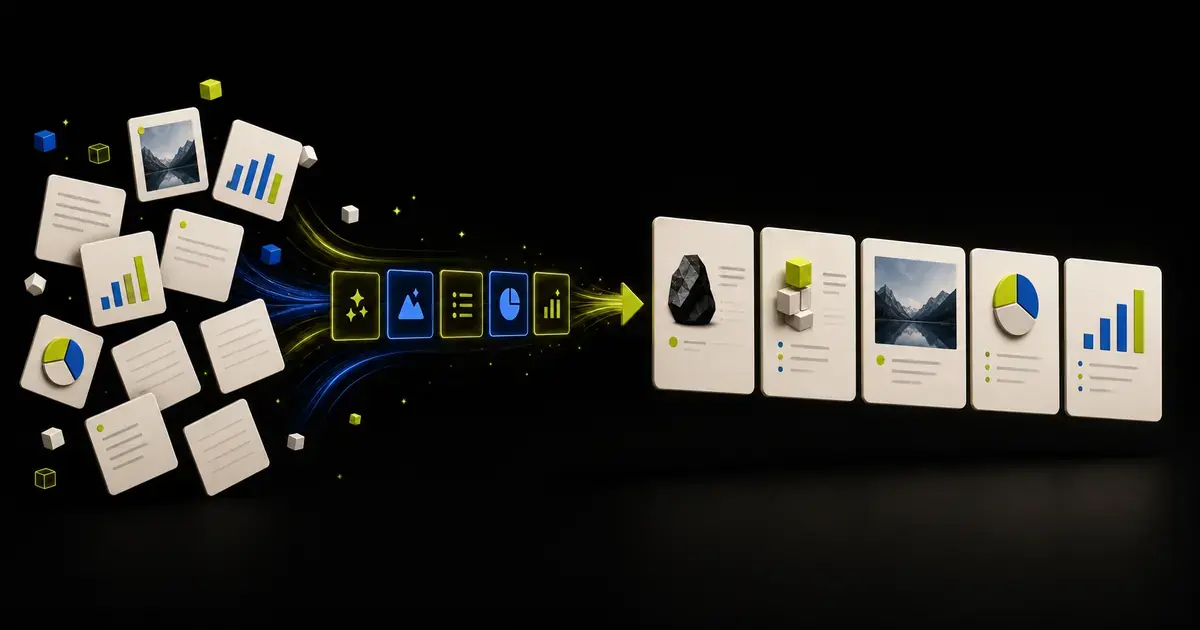
An effective AI presentation outline is more than a list of slide topics. It defines the audience, the decision or learning outcome, the job of every slide, the takeaway each slide must communicate, the evidence that supports it, and the final action. Review that structure before generating layouts.
The outline is where you keep control of the story. Visual design can make weak logic feel complete.
If you already have a source document, open Yrkie's AI presentation outline generator to create a reviewable outline draft from PDF, DOCX, PPTX, XLSX, text, Markdown, or HTML before you start generating slides.
What a presentation outline should contain
Use one row per proposed slide:
| Field | Purpose |
|---|---|
| Slide number | Makes order and references explicit |
| Takeaway title | States what the audience should understand |
| Slide job | Explains why the slide exists |
| Evidence | Names the source, section, cells, or approved facts |
| Visual form | Suggests chart, table, process, image, or text |
| Speaker context | Holds explanation that should not crowd the slide |
| Review status | Marks approved, revise, missing evidence, or remove |
Example:
| Slide | Takeaway title | Job | Evidence | Visual | Status |
|---|---|---|---|---|---|
| 3 | Renewals weakened in two high-value segments | Define the retention problem | Metrics workbook, rows 18-31 | Two-series bar chart | Needs finance review |
This is more useful than:
Slide 3: Retention
The detailed row can be evaluated before the slide exists.
Begin with an audience contract
Before asking AI for an outline, define:
- Audience: role, knowledge, priorities, and objections;
- Outcome: decision, action, understanding, or skill;
- Setting: live talk, async read, workshop, class, or handoff;
- Time: presentation time, not only desired slide count;
- Sources: which files and facts are authoritative;
- Constraints: content, brand, legal, or delivery boundaries.
Example:
Audience: Operations and finance leaders who know the current process but have not reviewed the pilot data. Outcome: approve a controlled expansion. Setting: 20-minute live review with 10 minutes for questions. Sources: pilot report and approved cost workbook. Constraints: preserve all financial values and label forecasts.
An outline generated without this context may be logically coherent but commercially useless.
Choose a narrative pattern that matches the job
There is no universal ten-slide template. Start with the audience's question.
Decision presentation
- decision and context;
- why the decision is needed now;
- evidence;
- options;
- recommendation;
- trade-offs and risks;
- resources and next action.
Sales or proposal presentation
- buyer context;
- current problem or desired outcome;
- impact;
- proposed approach;
- proof and fit;
- implementation;
- commercial next step.
Teaching presentation
- learning objective;
- prior knowledge or misconception;
- core concept;
- worked example;
- practice or application;
- recap and next resource.
Progress update
- expected outcome;
- current status;
- what changed;
- evidence and drivers;
- risks and dependencies;
- decisions and owners.
Use a pattern as a starting point, then remove any slide that does not serve the actual job.
Generate the first outline without generating slides
Use a bounded prompt:
Create a slide-by-slide outline for
[audience]to achieve[outcome]in[setting and time]. Use only[sources]. For each slide, provide a takeaway title, slide job, exact source evidence, proposed visual form, and unresolved question. Preserve[locked facts and constraints]. Do not design slides yet. Do not invent evidence. If a necessary point is unsupported, flag the gap.
This produces a review artifact rather than a polished distraction.
The AI prompts for creating presentations provide more templates for source analysis, outlining, slide briefs, and QA.
Test the titles as a story
Read only the proposed titles from first to last.
Ask:
- Do they form a logical sequence?
- Does each title advance the argument?
- Is the important point stated early enough?
- Are two slides making the same claim?
- Does the conclusion follow from the evidence?
- Does the final slide ask for a specific next action?
A useful test is the "because" chain:
We recommend X because evidence A and B show Y, while risk C can be controlled by Z.
If the outline cannot express that relationship clearly, design will not repair it.
Give every slide one primary job
Slides become crowded when they try to establish context, prove a claim, compare alternatives, and request action at once.
Common slide jobs include:
- frame the situation;
- define a problem;
- show a change;
- explain a driver;
- compare options;
- demonstrate a workflow;
- address a risk;
- make a recommendation;
- request a decision.
A slide may contain supporting detail, but one job should control its title and hierarchy.
If a slide genuinely contains two independent messages, split it. If two adjacent slides have the same job and evidence, combine them.
Connect every takeaway to evidence
For each title, ask "What proves this?"
The answer should name:
- document and section;
- spreadsheet sheet and range;
- approved statement or policy;
- screenshot or artifact;
- meeting decision record;
- existing slide and element.
Classify outline statements as:
- fact;
- interpretation;
- recommendation;
- assumption;
- unknown.
Do not allow an interpretation to appear as a source fact. Do not allow an unknown to disappear because the AI produced a confident sentence.
Decide slide length from the delivery setting
Slide count is a constraint, not a quality metric.
A live presentation needs room for explanation, pauses, and questions. An asynchronous deck may need more self-contained context. A workshop may need activity and discussion slides that carry little content.
Estimate time by slide job:
- framing or transition: brief;
- evidence or chart: longer;
- complex decision: longer;
- appendix: not normally presented;
- interaction or exercise: based on facilitation plan.
Do not force every source section into the main deck to meet a slide target. Use an appendix when reference detail remains valuable.
Plan visual form without designing the slide
The outline may suggest a visual family, but it should not lock a layout too early.
Record the relationship:
- comparison;
- change over time;
- sequence;
- hierarchy;
- system;
- exact lookup;
- visual evidence;
- concise statement.
The designer or presentation tool can then choose a specific treatment. This keeps the visual tied to meaning.
Review the outline with the right owners
Different reviewers should approve different things:
| Reviewer | Reviews |
|---|---|
| Business owner | Purpose, recommendation, decision |
| Subject expert | Accuracy and missing context |
| Data owner | Metrics, definitions, calculations |
| Brand or design owner | Visual system and required assets |
| Presenter | Flow, timing, speaker context |
Do not ask every reviewer to comment on everything. Conflicting edits often come from unclear ownership.
Use statuses such as Approved, Revise, Missing evidence, and Remove. Generate slides only after the outline is sufficiently stable.
Move from outline to slide briefs
Turn each approved row into a slide brief:
Slide 5. Job: compare three implementation options. Audience takeaway: Option B offers the best balance of control and coverage. Evidence: approved evaluation matrix, rows 6-12. Preserve every criterion and score. Show all three options and highlight the recommendation without hiding its two risks. Keep the matrix detail in the appendix.
This gives slide generation a clear acceptance condition.
Build and refine the outline in Yrkie
In Yrkie, Inventor mode begins with a prompt and source material, then produces an outline for review before slide generation. Use that checkpoint to change sequence, remove duplication, add missing evidence, and approve takeaways while the deck is still inexpensive to revise.
Copyist mode is useful when the outline review reveals that an existing PPTX already contains much of the right material. You can keep useful slides and improve the sections that need work. The comparison of AI PowerPoint editing and presentation generation can help you choose.
After generation, review narrative, facts, visuals, accessibility, and the exported PPTX. An approved outline controls the story; it does not remove the need for final QA.
Start with an outline in Yrkie using a clear audience contract and named sources.
Frequently asked questions
How many slides should a presentation outline contain?
Use the audience, delivery time, and complexity of the decision to set a range. Do not use a universal number. Allocate more time to evidence and decisions than to transitions.
Should slide titles be topics or conclusions?
Use concise conclusions when the evidence supports them. Use neutral topic titles when the slide is exploratory, instructional, or does not yet support a conclusion.
Can AI create the outline from multiple files?
Yes, if the product supports those sources. Label which source controls each fact and resolve conflicts before approving the outline.
Should I include visual directions in the outline?
Include the relationship or visual family, such as comparison, timeline, or table. Avoid over-designing the layout before the narrative and evidence are approved.
What if the outline needs information the sources do not contain?
Keep a visible evidence gap. Assign an owner to resolve it. Do not let AI fill the gap with an unsupported claim.