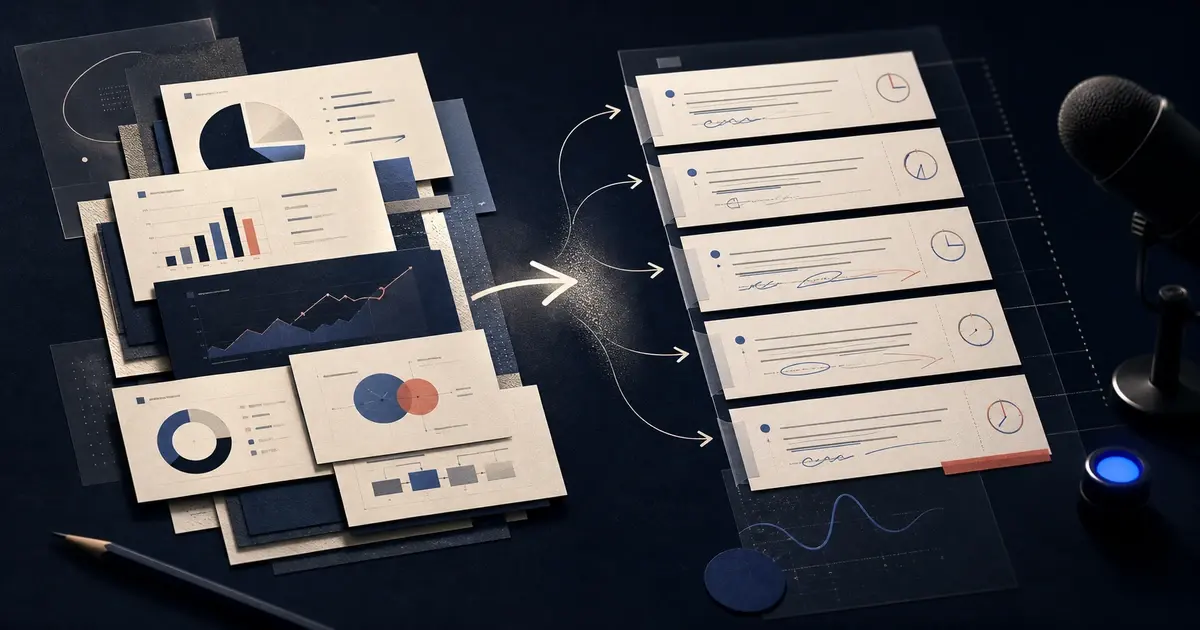
To generate a useful presentation script from PowerPoint with AI, do not ask the model to repeat the words already visible on each slide. Give it the PPTX, define the audience and purpose, ask for a slide-by-slide speaking draft, verify every claim, rewrite the transitions in your own voice, and rehearse with a timer.
If you have a modern PPTX ready, open Yrkie's AI presentation script generator. It uses the uploaded presentation as source context for a new script draft. It does not write speaker notes back into the original file, and the draft still needs factual review and rehearsal.
A script and a set of speaker notes are not quite the same thing
People often use the terms interchangeably, but they can describe different levels of detail.
Speaker notes may contain short reminders:
- define an unfamiliar term;
- pause after the main result;
- explain why the target changed;
- invite questions after the demo.
A presentation script is usually more continuous. It can include the opening, the argument that connects slides, the explanation behind a chart, the transition to the next section, and the closing action.
Neither format should simply duplicate the slide. The audience can already see the title, labels, and bullets. Spoken content should add context, interpretation, emphasis, and direction.
Prepare the PowerPoint before generating the script
The quality of the script depends on what the PPTX communicates.
Give each slide one clear job
Write a short sentence that describes what the audience should understand after each slide. For example:
- The current onboarding drop-off is concentrated before activation.
- Two customer segments account for most of the decline.
- The proposed experiment addresses the highest-confidence cause.
If you cannot describe the job of a slide, the slide may contain several competing ideas. Fixing that problem before script generation is usually better than asking AI to explain a confused page.
The AI presentation outline guide provides a practical structure for checking slide purpose and narrative order.
Mark facts that must remain exact
List the values, names, dates, definitions, and approved wording that cannot change. Check:
- reporting periods;
- units and currencies;
- percentages and percentage-point changes;
- customer or product names;
- approved legal or policy language;
- source and methodology notes.
AI may produce fluent language around an incorrect interpretation. Fluency is not evidence.
Remove obsolete and hidden material
A PPTX can contain old backup slides, duplicated charts, hidden pages, speaker notes from a previous presenter, or objects placed outside the visible canvas. Decide which material belongs to the current presentation before using the deck as source context.
Write a clear script brief
The brief should tell the AI how the presentation will be delivered.
Include:
- Audience: who is listening and what they already know;
- Purpose: the decision, action, or learning outcome;
- Setting: live meeting, classroom, conference, recording, or asynchronous walkthrough;
- Tone: conversational, analytical, persuasive, instructional, or another specific direction;
- Duration: a target to test during rehearsal, not a guaranteed AI output;
- Presenter role: founder, account executive, teacher, analyst, or subject-matter expert;
- Interaction: where questions, demos, or pauses may happen;
- Accuracy rule: which wording and numbers must remain unchanged.
A useful instruction might look like this:
Create a slide-by-slide speaking draft for a 12-minute live business review. The audience knows the product but has not seen this quarter's results. Do not read slide text aloud. Explain the meaning of each metric, use brief transitions, preserve every number exactly, and end with the two decisions required today.
Treat the requested duration as an initial constraint. The only reliable way to know the actual duration is to rehearse.
Ask for a structure you can review
A practical output format is easier to edit than one long block of prose.
For each slide, request:
- the purpose of the slide;
- the main speaking point;
- one or two supporting explanations;
- a transition to the next slide;
- a review warning when the source is ambiguous;
- an optional timing target.
That structure helps you spot a script that over-explains a minor slide or rushes through an important decision.
Make the script sound spoken
Written prose and spoken language behave differently. A sentence that looks polished on a page can feel stiff when spoken.
During editing:
- shorten sentences with several clauses;
- replace formal transitions with natural ones;
- use contractions when they fit your voice;
- add a pause before an important result;
- remove throat-clearing phrases;
- avoid announcing every slide title;
- explain acronyms the first time they appear;
- vary sentence length to create rhythm.
Read each section aloud. If you run out of breath, lose the point halfway through, or feel that you are reciting marketing copy, rewrite it.
Do not narrate charts by reading labels
For a chart, the script should answer three questions:
- What should the audience notice?
- Why did it happen?
- What should they do with that information?
Instead of reading every bar, identify the comparison that matters. Explain the unit and period, name the most important driver, and connect the result to the presentation's decision.
Verify chart explanations against the underlying source. The slide image alone may not reveal definitions, filters, missing values, or calculation logic.
Build transitions around the argument
Weak transitions describe navigation: “Now we will move to the next slide.”
Useful transitions describe reasoning:
- “That decline tells us where to look; the next slide separates it by customer segment.”
- “The opportunity is clear, but the implementation risk changes which option we should choose.”
- “We have covered the recommendation; now we need to agree on ownership and timing.”
A transition should tell the audience why the next slide follows from the current one.
Review the draft against the PPTX
Use a slide-by-slide review table:
| Check | What to verify |
|---|---|
| Slide match | The script discusses the correct visible slide |
| Factual accuracy | Numbers, names, dates, and definitions match |
| Added claims | New explanations are supported or clearly labeled |
| Redundancy | The narration adds value beyond visible text |
| Transition | The next slide follows logically |
| Tone | The language sounds like the presenter |
| Timing | The section deserves its share of the total time |
If the deck itself needs structural or visual work, review how to edit an existing PowerPoint with AI before polishing the narration.
Rehearse in three passes
Pass one: accuracy
Present slowly with the PPTX open. Stop whenever the script and slide disagree. Correct factual problems before improving style.
Pass two: clarity
Deliver the script at a natural pace. Mark sentences that sound formal, repetitive, or difficult to say. Check whether each transition prepares the audience for what follows.
Pass three: timing and emphasis
Run the full presentation with a timer. Do not solve an overlong talk by speaking unnaturally fast. Remove low-value explanation, shorten repeated context, and protect the time needed for the decision or conclusion.
Record a rehearsal if appropriate. Listening back can reveal monotone delivery, filler words, abrupt transitions, and sections that were clear on paper but confusing aloud.
Common mistakes
Reading the slide verbatim
This gives the audience no reason to listen. Use the script to interpret, connect, and prioritize.
Asking AI to infer the audience
The same deck may need a different script for executives, customers, students, or technical reviewers. State the audience directly.
Treating a generated duration as exact
Word counts cannot fully predict pauses, demonstrations, questions, or speaking pace. Rehearsal is the measurement.
Hiding uncertainty
If a slide is ambiguous, mark the uncertainty. Do not let a smooth script turn an unclear source into a confident claim.
Keeping language that does not sound like you
A draft should reduce blank-page work, not replace the presenter's judgment. Rewrite it until the delivery feels natural.
A final presentation-script checklist
Before presenting, confirm that:
- every section matches the correct slide;
- every number, name, and date has been checked;
- the narration adds meaning instead of repeating slide text;
- charts have one clear takeaway;
- transitions explain the logic between slides;
- the opening establishes audience relevance;
- the closing states the next action;
- timing comes from a full rehearsal;
- the language sounds like the presenter;
- unsupported claims have been removed or labeled.
The strongest AI-generated presentation script is not the longest or most polished draft. It is the one that helps a real presenter explain the deck accurately, naturally, and with a clear purpose.